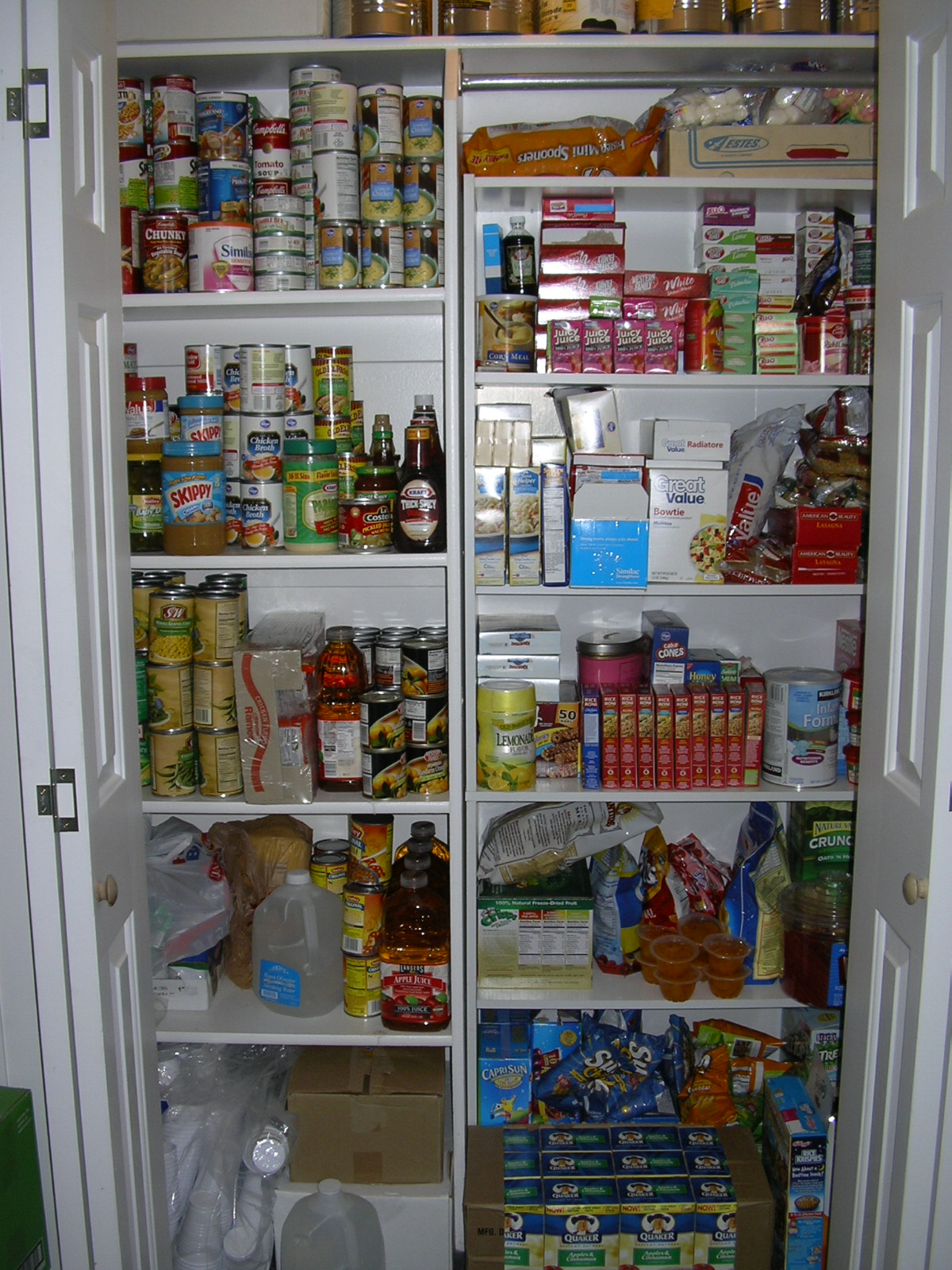
My reader Barbie has a new take on stockpiling. She has a monthly purchasing schedule that helps her not only build her stockpile, but keep it rotated as well. This would work great for those of you who don’t have time to shop at multiple grocery stores or live in a small town.
Here’s how it works:
At the beginning of each month I make a list of meals we will eat for the next 4 weeks. This includes breakfast, lunch, dinner and snacks. With each of my weekly grocery trips I buy enough for 7 extra meals or snacks in addition to that weeks meals. By the end of the month I have an extra week of breakfast, lunch and dinner meals as well as snacks.
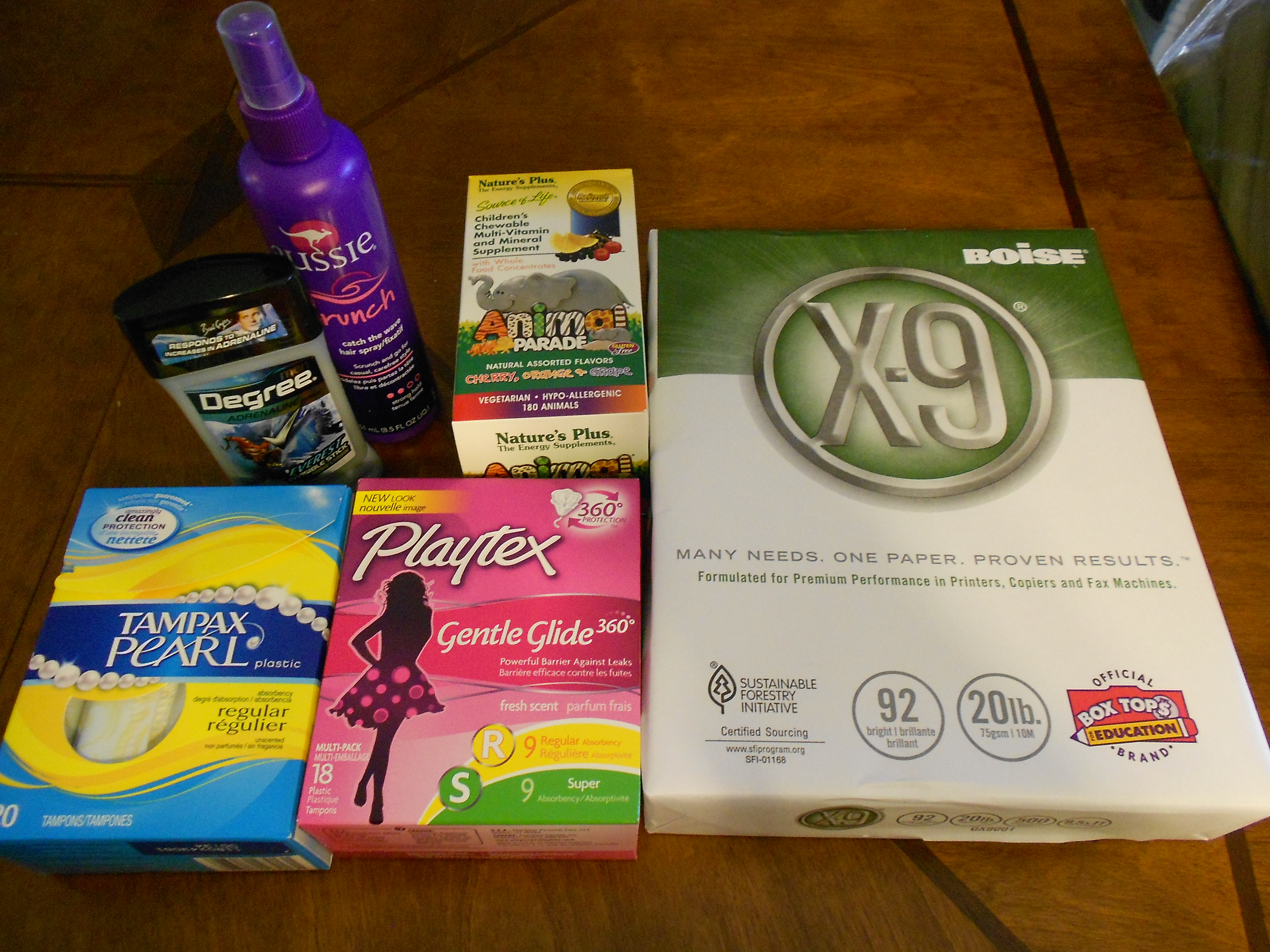
My non-foods are on a three month schedule. I have divided them into 3 categories: Laundry & Cleaning, Hygiene (including first aid supplies), and Kitchen (including plastic wrap, sandwich bags, paper and plastic products, as well as dish soap, etc…) Each month I purchase enough from one category for 4 months. By the end of the 3 month cycle I have an additional month of non-foods.
I only shop one grocery store each week and Walgreens if they are having a great deal. I live in a very small town with 2 grocery stores and I select the one that has the best deals that week.
With foods: I have a rule that I always buy the 7 extra meals each week. I decide what meals to purchase with the weekly sales. I shop smart by finding what is on sale and use my coupons to purchase these items.
With non-foods: I usually buy these during my last trip of the month. During the month if something goes on sale I buy it then and take it off my list. If there is a killer deal on something I’m not going to pass it up because I’m not purchasing that item during the month. It always balances out at the end of the 3 months.
I know this is a slow way to build your stockpile, but it works well for me and my family. It is the easiest way for me to build and maintain my stockpile without feeling overwhelmed with 80 boxes of cereal that will likely expire before we eat them.
Purchasing Schedule to Build Your Stockpile
At Year’s End: You should have 3 months of food built up in your stockpile as well as a 4 month supply of non-foods.
Foods: Create a weekly menu and shopping list. My week goes Thursday-Wednesday.
Match-up deals on with your shopping list using the weekly sales and coupons.
Stockpile: Each week purchase 7 additional meals from any combination of the following: 7 Breakfasts, 7 Lunches, 7 Dinners, and 7 Snacks. I use the coupon match-ups to decide which of these items I will purchase each week. At the end of the month you will have an additional week of food in your stockpile.
*Be sure to rotate your stockpile by using the meals you purchase for your stockpile. Replacing the items as you sure them to keep your stockpile up.
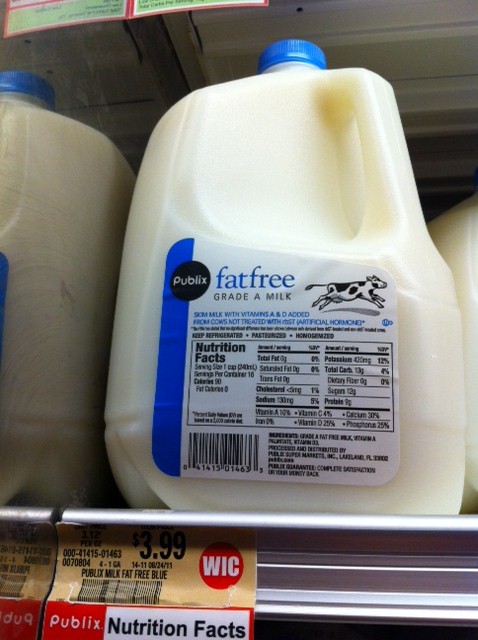
*Don’t forget the water! I like to purchase as many gallons of water as gallons of milk. These go into my stockpile and are rotated as we use them. If you don’t know how much water your family uses in a day, try turning off the water to your home for a day. I like to have 2 weeks of water on hand for an emergency.
Non-Foods: Purchase enough of the necessary items each month to last 4 months. I purchase the items on my list that are on sale each week. During my 4th week shopping trip I purchase all of the remaining items on the list.
|
Month 1
|
Month 2
|
Month 3
|
| Laundry & Cleaning |
Hygiene, Meds & First Aid |
Kitchen Needs |
This will give you an additional month of supplies at the end of a 3 month cycle.
Extra Deals: Sometimes items that are not on my list are really good deals. I don’t pass these deals up. I just mark them off my list for the upcoming months.
If you are new to Couponing, you might want to take a moment to read more in my Getting Started Couponing series.